
6E Club Customer Care: Solve App Problems on Your Own Phone, Safely
Updated · Help from the 6E Club web app
Most people looking for 6E Club customer care have a small problem on their phone: the app will not install, the username is not found, the coins look low or the screen looks odd. Because the 6E Club web app keeps everything on your own device, you can fix almost all of these yourself, without calling anyone.
This page gives you a fix-it table, a way to clear your browser cache without losing your account, the way to reach this site, and a plain look at the fake helpline numbers that appear in search results. One rule before anything else: nobody from 6E Club will ever call or message you first.
Why 6E Club Customer Care Starts on Your Own Phone
The game keeps your account in your browser’s site storage, a feature web developers call localStorage. Nothing is sent to a server. Your username, password hash, coins, Club level and My picks history live on your phone and nowhere else.
That is good for privacy: there is no list of users to leak and no phone number to sell. It also shapes what 6E Club customer care can be. Nobody at the site can open your account, look at your coins or see what went wrong, because none of it ever reaches them.

What that means in practice
- No password reset. Only a salted hash of your password is stored on the device. If you forget it, make a new account.
- No coin top-ups by hand. When your balance drops below 2,000, a Free top-up button refills it to 20,000. You do this yourself, any time.
- No result checks. Each digit is drawn on your device at random. Nobody can set it, see it early or change it later.
- No refunds or payouts. Nothing was ever paid in, and coins have no cash value.
No phone line, no chat, no WhatsApp
There is no email, phone or WhatsApp support for 6E Club yet. That is not hiding: a phone line would have nothing to look at. What does exist is a contact page for questions, errors in a guide and copycat reports, covered further down.
Why real 6E Club customer care never rings you
The site does not have your phone number, your email or your name, because the sign-up form never asks for them. So a call, SMS or WhatsApp message that claims to come from 6E Club customer care cannot be genuine: there is simply no way for the site to know who you are. Hang up, and do not tap any link in the message.
Fix-It-Yourself Table for Common App Problems
Almost every 6E Club customer care question falls into five groups: installing, signing in, coins, the timer and the screen. Before you go looking for help anywhere, try these three quick checks:
- Close the app or tab fully, then reopen it while you are online, so it loads the newest version.
- Check that you are in the same place you registered: the same browser, or the same home-screen icon.
- Update your browser from the Play Store or the App Store.
Still stuck? Find your problem in the first column of the table and work across.
| Problem | Likely cause | Try this |
|---|---|---|
| Install: no Install or Add to Home Screen option | A private tab, a chat app’s built-in browser, or an old browser version | Open a normal tab in Chrome, Edge, Samsung Internet or Safari, and update the browser |
| Install: the iPhone icon asks you to register again | A home-screen web app keeps storage separate from Safari | Make an account inside the icon, or keep playing in Safari |
| Sign-in: “Username or password not recognised.” | A different browser, device or private tab, cleared site data, or a mistyped password | Open the browser where you registered; if the data was cleared, register again |
| Sign-in: wrong password | Passwords are case-sensitive, and no reset exists | Tick Show password and check capitals; if it is forgotten, make a new account |
| Coins: balance very low | Normal ups and downs; most picks return under 100 per 100 coins on average | Below 2,000 coins, tap Free top-up to refill to 20,000 |
| Coins: Free top-up button missing | Your balance is still 2,000 or more | Keep playing or wait; it appears only below 2,000 |
| Timer: pick buttons greyed out | Picks close in the last 5 seconds of each period | Wait a moment for the next period to open |
| Timer: not matching another phone | Each phone follows its own clock | Set date and time to automatic in phone settings, then reopen the app |
| Screen: cut off or text too big | Browser zoom or a large phone font size | Reset zoom, turn the phone sideways, or lower the display size |
| Screen: looks old or stuck | An older copy opened without internet | Close the app fully and reopen it online; it updates itself |
Install trouble is the most common. The guide to installing the web app on Android, iPhone or a laptop has the full steps for each browser. For sign-in errors, see fixing “not recognised” and password errors at the sign-in screen.

When two phones show different results
This surprises families who play side by side. Each phone draws its own digit for each period, so two phones in the 1-minute room can show different colours for the same period. Nothing is wrong with either one, and no one can make them match.
When coins seem to drain fast
On average, no pick returns more coins than you put on it, so a balance usually drifts down over time. That is the maths, not a fault. The Free top-up is there so you never need anyone’s help to keep playing.
Clearing Cache Without Losing Your Account
“Clear your cache” is the most common 6E Club customer care tip online. In this app, though, the wrong button deletes your account, coins and Club level for good. Here is which button does what.
| Button or setting | What it removes | Safe for your account? |
|---|---|---|
| Chrome: Cached images and files | Saved copies of page files | Yes |
| Chrome: Cookies and site data | Sign-ins and stored data for every site | No, the account is deleted |
| Chrome: delete data for this one site | Everything this site saved | No, the account is deleted |
| Android Settings → Apps → Chrome → Clear cache | Temporary files only | Yes |
| Android Settings → Apps → Chrome → Clear storage | All of Chrome’s data | No, the account is deleted |
| Samsung Internet: Cached images and files | Saved copies of page files | Yes |
| Safari: Clear History and Website Data | History and stored website data | No, for an account made in Safari |
| Closing a private or incognito tab | Everything that tab held | No, the account made there is gone |
A safe cache clear in Chrome on Android
- Open Chrome and tap the three-dot menu.
- Tap Delete browsing data (older versions say Clear browsing data).
- Untick everything, then tick only Cached images and files.
- Tap Delete, then reopen the game. Your account will still be there.
On an iPhone home-screen icon
The installed icon on an iPhone has no cache button of its own, and it does not need one. Swipe the app away in the app switcher, then open it again while online. It loads the latest version and keeps your account.
When a “helper” says to clear all data
Be wary of anyone posing as 6E Club customer care who tells you to clear “all data” or “everything”. That wipes the account, and a worried player who has just lost their coins is easier to push into paying a fake “recovery fee”. Clear the cache only, as shown above.
Before you clear anything
Write down your username somewhere safe. If you ever lose the account, you can register again in under a minute with a fresh 20,000 coins, but your Club level and history will start over. If you want everything gone on purpose, use Delete account inside the game instead.
Reaching the People Behind This Site (No Phone Line)
When self-help does not solve it, the real 6E Club customer care route is the contact page for questions and copycat reports. It explains how to get a message to the people who run this site. There is no number to call, and nobody will call you back from one.
What to put in your message
- Your phone model and browser, for example Android with Chrome, or iPhone with Safari.
- Whether you use the installed icon or a browser tab.
- What you tapped, what you expected and what happened instead.
- A screenshot, if it helps, with no password showing.
Never send your password. No real message about this app will ever need it. Any genuine 6E Club customer care reply comes back through the route the contact page describes, never as a surprise call or WhatsApp message.
What a message can change, and what stays out of reach
A message can point out a broken page, a confusing guide or a copycat site or number, and those reports are read. A message cannot open your account, move it to a new phone, add coins or change a result, because all of that lives only on your device. Nor can anyone pay you, since coins are play coins; the guide on why play coins never turn into money explains why there is no payout button at all. Quick answers on other topics sit in the grouped 6E Club questions and answers.
Problem Solved? Back to Your Room
Open the game in your browser or from your home-screen icon. A new account starts with 20,000 play coins, with nothing to pay and nothing to cash out. Adults 18+.
How Fake Helpline Numbers Get Into Your Search Results
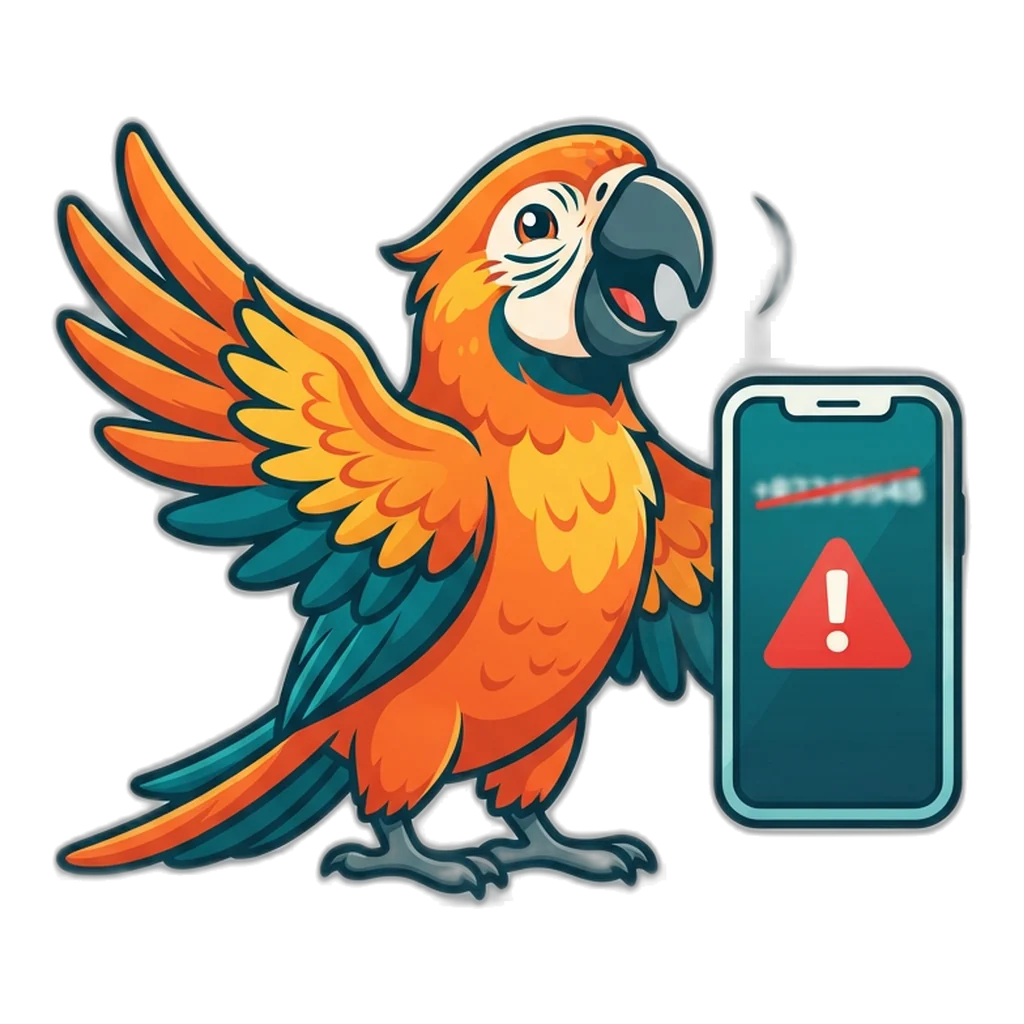
Search for a 6E Club customer care number and you may see phone numbers, WhatsApp links or “toll-free” contacts. Every one of them is fake, because 6E Club customer care has no phone number at all. The people behind them are counting on you being worried and in a hurry.
These numbers usually reach you through:
- Business listings on map and directory sites that anyone can edit or create.
- Comments under videos and posts, often from accounts with no history.
- Paid ads placed above real search results.
- Copycat pages that borrow the 6E Club name and colours.
- Chat groups that pass the same number around as “help”.
Why the fake numbers look convincing
A fake 6E Club customer care listing often has the brand name, a copied logo, an Indian mobile number and a few glowing “reviews” written by the same people. Some even answer with the brand name. None of that proves anything, because anyone can type a name into a listing.
The remote-access trick, step by step
This pattern is known worldwide as a technical support scam, and the local version usually runs like this:
- You call the number. A polite “agent” listens to your problem and sounds confident they can fix it.
- They say they need to “check from their side” and ask you to install a screen-sharing or remote-access app.
- They ask you to read out a code from that app. Now they can see, and sometimes control, your screen.
- They ask you to open your UPI or bank app to “verify” you or to “receive a refund”.
- They watch you type your PIN, or ask for the OTP that just arrived. Money leaves your account.
A shorter version skips the screen share and asks for a small “unlock fee” to restore coins or release a “withdrawal”. There is nothing to unlock, so the fee simply disappears.
Three questions that expose a fake number
- Did the number come from this site? It cannot have, because none exists.
- Is the caller asking for an app install, a code, a PIN or a payment? Real help never does.
- Are they rushing you, or saying your account will be lost if you hang up? That pressure is the trick.
What Real Help Never Asks For
Real 6E Club customer care has no use for any of the items below, so a request for even one of them means you are dealing with someone else:
- An OTP, a UPI PIN, a card number or bank login details.
- Aadhaar, PAN or any other “KYC” document.
- A fee, a deposit or a “verification payment” of any size.
- A screen share, or installing a remote-access app or an APK file.
- Your 6E Club password.
- Joining a Telegram or WhatsApp group for “faster service”.
Keep this list in mind whenever someone claims to be 6E Club customer care, whether it is a call, an SMS, an email or a chat. The same list works for your bank and most other apps too.
Already shared a code or opened a remote app? Act in this order
- End the call, stop any screen share and uninstall the remote-access app.
- Call your bank on the number printed on your card or passbook to block UPI and cards.
- Call the cyber fraud helpline 1930, or report it on the National Cyber Crime Reporting Portal. Speed matters for stopping a transfer.
- Change your email and banking passwords from a different device.
- Keep the number, screenshots and transaction IDs for the report.
To learn the wider warning signs before the next fake number finds you, read how to spot copycat 6E Club pages, apps and groups. You can also send the fake number through the copycat report form on the contact page so other players are warned.
When a Problem Feels Bigger Than a Game
A stuck screen or a vanished account can feel urgent, and fake 6E Club customer care lines feed on exactly that feeling. Pause before you call or click anything. Remember that the coins are play coins with no value, and the Free top-up means nothing here can be lost for real.
If you find yourself upset over a balance, or reaching for the game whenever you feel stressed, take a longer break. The free Tele MANAS helpline on 14416 is there for anyone who wants to talk, at any hour.
18+ only. In the 6E Club app your coin count is a score, not money: nobody can buy it, sell it or cash it, and no tipster, group or tool sees a draw before it lands. Money games online have been against the law in India from 1 May 2026 (Online Gaming Act of 2025). See the calm ways to step back from the app for limits, breaks and free support.
Help and Support Questions Answered
Which “clear” button is safe to tap if the app is acting strange?
Clear only “Cached images and files”. That removes saved copies of page files and leaves your account alone. Never tick “Cookies and site data”, never use Clear storage on Chrome in Android settings, and never clear Safari’s website data if your account lives in Safari. Those remove the account, coins and Club level for good.
Why is there no chat window or help button inside the game?
Because nothing in the game is online, so 6E Club customer care would have nothing to look at. Your account, coins and picks sit in your own browser, and nobody at the other end could see them even if a chat existed. Most fixes are things only you can do on your phone, which is why this page lists them step by step.
Is it safe to let a “support agent” see my screen, just to check something?
No. Real help for this app never needs to see your screen, because there is nothing a stranger could fix from there. A screen share lets the other person read OTPs, bank messages and UPI screens as they appear. Say no, end the call and block the number.
My friend and I played in the same room but saw different results. Is that a fault?
No, that is how the app works. Each phone draws its own digit for each period, using the browser’s random generator, and nothing is shared online. Two phones in the same room and period will often show different results. Neither one is wrong.
How do I report a fake 6E Club page or phone number to this site?
Use the contact page and include the web address, the number or the group name, and where you found it, such as a search result, a video or a chat. A screenshot helps. Also report numbers that asked for money or codes on 1930 or the cyber crime portal.
Can my Club level be moved to a new phone?
No. Club levels are a badge based on rounds played, stored with the account on the old device, and nothing syncs online. On the new phone you start at Starter with 20,000 play coins. The badge gives no perks, so you lose nothing that affects play.
Getting Help the Safe Way
Good 6E Club customer care starts with you: the fix-it table, the safe cache clear and the iPhone storage rule solve almost every app problem in a few taps. For anything else, the contact page is the only real route, and it never involves a phone call.
Treat every 6E Club customer care number, WhatsApp contact or “agent” as fake, and never share an OTP, a PIN or your screen. To head back to the game or browse every guide, start at the 6E Club free colour game home.